Easy to use
Install the library, import the create table function, then print!
import { createPDFTables } from 'pdf-lib-table';//TABLE SETTINGSconst pdfSettings = { tableStartingX: 50, tableStartingY: 50, headerFont: timesRomanBold, cellFont: timesRoman,};const document = await createPDFTables( data, page, pdfDoc, columns, StandardFonts, rgb, pdfSettings,);document.drawVerticalTables();Handle Page Breaks with Ease
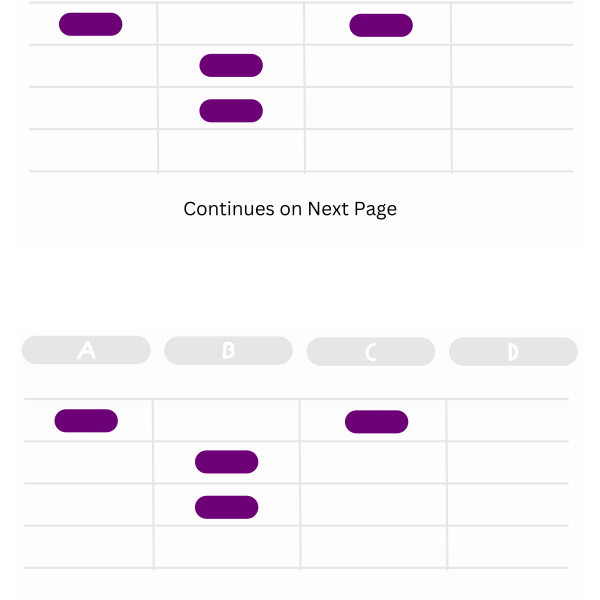
Pages can start with or without headers, and table dimensions are returned, facilitating dynamic footers to fill space.
Lightweight & Performant
pdf-lib-table has no dependencies beyond pdf-lib and can print hundreds of pages with ease.

Over 50 parameters
Easy to get going, but enough customization to grow with your project

import { createPDFTables } from 'pdf-lib-table';//TABLE SETTINGSconst pdfSettings = { tableStartingX: 50, tableStartingY: 50, headerFont: timesRomanBold, cellFont: timesRoman,};const document = await createPDFTables( data, page, pdfDoc, columns, StandardFonts, rgb, pdfSettings,);document.drawVerticalTables();